Learn
Connect eToro to Perplexity: what the connector does, its advantages and its limits
How to connect your eToro account to Perplexity: what the connector lets you do, its advantages, where it is not available and what to check before you start.

In short
- eToro has announced an official connector on Perplexity: once connected, you can ask the AI assistant about your portfolio, positions and balances, look up live and historical prices, and see how Popular Investors are positioned, all in one conversation.
- The main advantages are time saved, plain-language answers on your own data and the chance to compare Perplexity with other assistants. It is a tool to understand your investments, not an adviser: it can be wrong and guarantees nothing.
- eToro states that connections through connectors are not available in the US, Australia and Singapore. Start with a demo account and check what permissions you approve.
I declare my interest: I am an eToro affiliate and earn a commission when someone opens an account through my link, so this page is not a neutral comparison between platforms. This page is educational: it does not recommend any investment. The information comes from eToro's announcement and from the connector's page on Perplexity, and it can change, so re-check it before you connect.
What is the eToro connector on Perplexity?
Perplexity is an AI assistant that answers questions in conversation. A connector is a plugin that lets it read data from another service, with your approval. According to eToro's announcement, the new eToro connector is in Perplexity's plugins directory and lets you connect your eToro account directly from there. The connector's listing describes it like this:
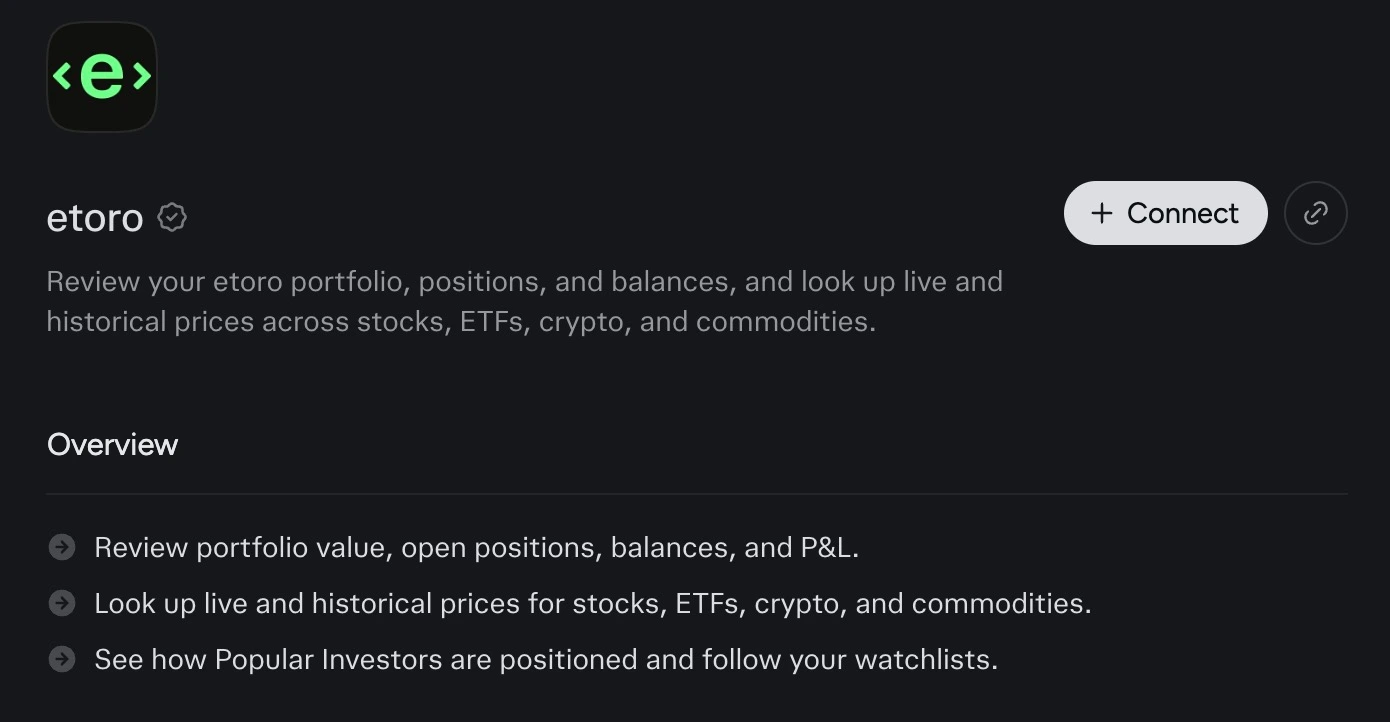
In plain words, the listing says you can: review portfolio value, open positions, balances and profit and loss; look up live and historical prices for stocks, ETFs, crypto and commodities; and see how Popular Investors are positioned and follow your watchlists.
What are the advantages of connecting eToro to Perplexity?
| Advantage | What it means in practice |
|---|---|
| One conversation for your data | You ask "what are my largest positions?" or "how is my portfolio split?" without opening several screens |
| Plain-language explanations | You can ask for a term, a cost line or an ETF to be explained next to your own numbers |
| Prices across asset types | The listing covers stocks, ETFs, crypto and commodities, live and historical |
| Learning from Popular Investors | You can look at how they are positioned and follow your watchlists, which helps to study styles, not to copy them blindly: see copy trading mindset and strategy |
| A faster routine | It can prepare the checklist of your quarterly review: see investing with little time |
| Compare assistants | You can ask the same question to Perplexity and to other tools and compare the answers: see AI trading agents compared |
| An official listing | The connector is announced by eToro itself, which is safer than an unofficial plugin from an unknown developer |
How do you connect eToro to Perplexity, step by step?
These are the steps in eToro's announcement:
- Open the plugins page. In Perplexity go to Plugins (www.perplexity.ai/computer/plugins).
- Search for eToro. Type "etoro" in the search box.
- Click Connect. Use the official listing only.
- Log in with your eToro credentials. Enter them on eToro's sign-in page, never in the chat, and complete two-factor authentication if asked.
- Check that it is connected and ask a first question that only reads data, for example "What can you do with my eToro account?".
Before you start:
- Where it is not available. eToro states that connections through connectors are currently unavailable in the US, Australia and Singapore. For other countries, check in the app and in Perplexity.
- Permissions. The connector is not read-only. Besides the look-up tools, its tool list includes tools that prepare trading actions (open or cancel an order, close or edit a position, copy or stop copying a trader, on real or demo accounts) and one that sends a prepared action after you explicitly confirm it. Perplexity lets you set each tool to Allow, Ask always or Disable: see the table below and choose carefully.
- Start with a demo account if you are learning: the listing mentions real or demo, and eToro itself suggests the demo for its Claude connector.
- Privacy. Your portfolio data is shared with the assistant. Read Perplexity's and eToro's privacy policies and decide what you are willing to share.
What can the connector read and what can it prepare?
Perplexity's plugin page lists the connector's tools, each with a switch (Allow, Ask always, Disable). In short:
| Group | What the tools do, according to the listing |
|---|---|
| Read-only tools | Balances of your accounts, portfolio summary with profit and loss, open positions and pending orders, closed trades and fees, watchlists, quotes and performance of instruments, public profiles of Popular Investors, your profile and the permissions granted, and a generic read request to eToro's Public API |
| Prepare actions | Draft an order, cancel an order, close or edit a position (stop-loss and take-profit), copy a trader or stop copying, on real or demo accounts. The listing says nothing is sent until you confirm |
| Write tools | "Confirm and send a task" sends a prepared action after your explicit confirmation; a second tool runs state-changing requests such as a watchlist edit and requires your approval first. The listing says trading writes are not allowed there and go through the prepare tools |
What this means for you: the connector can help you understand your portfolio, but it can also be asked to prepare real operations. A sensible way to start is to set the preparation and write tools to Disable or at least Ask always, use read-only tools until you are comfortable, and never confirm an action you do not fully understand. Costs, spreads and risk still apply to anything you confirm.
Which prompts can you use?
A good prompt says which data to use, what to calculate and what not to do. Three examples to adapt (replace the parts in square brackets):
1. Snapshot. Use only the data read from my eToro account. Show my positions in a table with name, type of instrument, currency and weight as a percentage of the total, and the weight of the three largest. If a figure is not available write "not available". Do not give buy or sell advice.
2. Gap from my plan. My target weights are [60% equity ETFs, 30% bond ETFs, 10% cash]. Compare them with the current weights in my account and show the gap in percentage points. Describe two ways to close it with pros and cons and remind me of the costs and taxes to check. Do not tell me what to buy.
3. Context with sources. For my [three] largest holdings list the next results date and the latest company guidance, with a link to the source for each figure. Say clearly what you could not verify. Do not predict the price.
For more prompts see how to invest with Claude AI and 10 AI prompts to analyse an ETF or an earnings report.
How does it compare with other ways to use AI with eToro?
| Option | What the sources say |
|---|---|
| Tori, inside the eToro app | eToro describes it as an AI assistant in the app for information on markets and your portfolio; informational, may be inaccurate, not advice |
| Claude connector | eToro's guide: look-up of account, portfolio and markets; on the web, actions with confirmation before anything that moves money; on desktop, look-up only. See how to invest with Claude AI |
| Perplexity connector | The listing: read tools (portfolio, positions, balances, prices, Popular Investors, watchlists) plus tools that prepare operations and send them only after your confirmation, on real or demo accounts; each tool can be set to Allow, Ask always or Disable |
eToro states in its pages that AI responses are for information only, may be inaccurate and are not investment advice. Check every figure in the eToro app.
Where does it make sense to start?
If you do not have an eToro account yet, eToro states a demo account with virtual funds where you can learn how the platform works before connecting anything: you can open eToro through this link and start there. I earn a commission if you open an account: read the disclosure. For what the demo teaches see what a demo account teaches.
Capital at risk. The value of investments can go down as well as up, and you may lose some or all of the money you put in. Copy trading and Smart Portfolios do not remove this risk and are not investment advice. Past performance is not a guide to future results.
Who is it useful for?
These are general considerations, not recommendations.
| Your situation | What to consider |
|---|---|
| You already use Perplexity every day | The connector puts your portfolio data in the same place; start with read-only questions |
| You have little time | It can speed up the checklist of your review, but the decisions stay yours |
| You are learning | Use the demo account and ask it to explain, not to choose |
| You worry about privacy | You can skip the connector and paste only the figures you choose, without account access |
| You live in the US, Australia or Singapore | eToro states the connectors are not available there at the moment |
To read a report with an assistant that searches the web and cites its sources, see how to use Perplexity to read a quarterly earnings report.
Before connecting any account to an assistant, go through the 12-point checklist for connecting your account to AI.
Frequently asked questions
Can I connect eToro to Perplexity?
According to eToro's announcement, yes: search for "etoro" in Perplexity's plugins directory and click Connect, then log in with your eToro credentials. It is not available in the US, Australia and Singapore.
What can the connector do?
The listing says it can review portfolio value, open positions, balances and profit and loss, look up live and historical prices for stocks, ETFs, crypto and commodities, and show how Popular Investors are positioned and your watchlists.
Can Perplexity trade for me on eToro?
The connector's tool list includes tools that prepare orders and other operations and a tool that sends them after your explicit confirmation. If you only want to look at your data, set those tools to Disable. Never confirm something you do not fully understand.
Is it safe to connect my account?
Use only the official listing, enter your credentials on eToro's sign-in page and never in the chat, and read the privacy policies. No tool removes the risk of wrong answers: check every figure in the eToro app.
Does it give investment advice?
No. eToro states that AI responses are informational and not advice. Ask it to explain and calculate, not to tell you what to buy.
Does it work with a demo account?
The tool descriptions mention real or demo for the preparation of operations. eToro suggests starting with the demo when learning; check which account the connector uses.
Does it cost anything?
The listing does not show a price for the connector. Check Perplexity's plans and eToro's conditions.
Can I try eToro without real money?
eToro states a demo account with virtual funds. Demo results do not predict real ones, because real money brings emotions and costs.